
EPOS system for a Chinese takeaway: what to look for in the UK
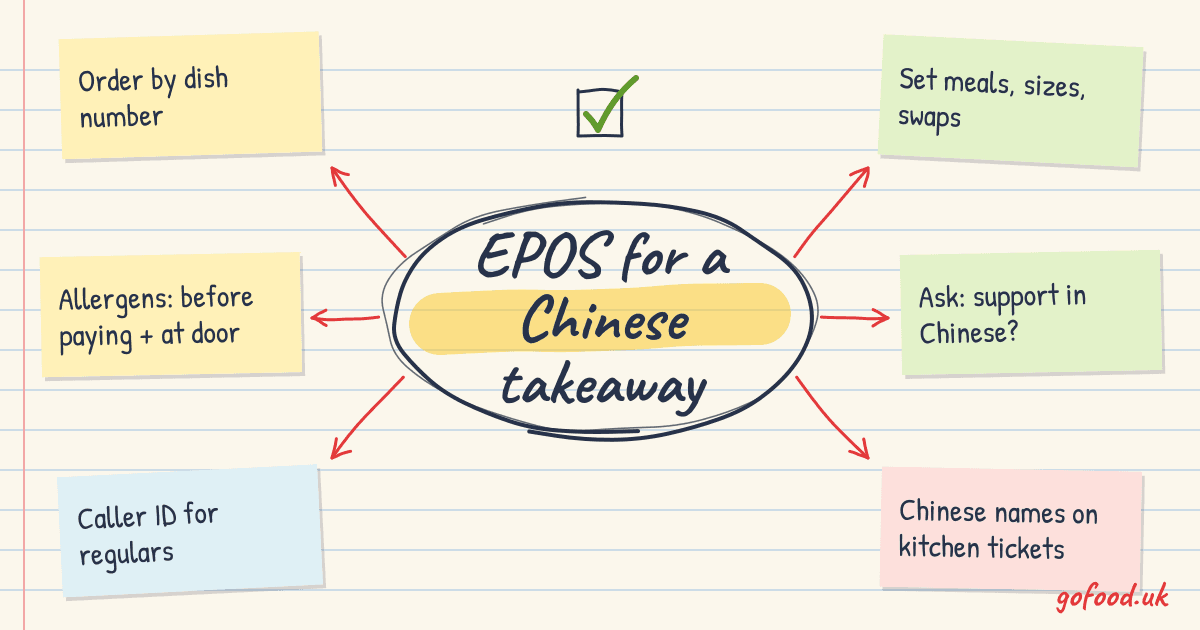
A good EPOS system for a Chinese takeaway is one that handles a long numbered menu, lots of phone orders and a busy kitchen without slowing you down. That means quick dish numbers, caller ID that brings up regular customers, kitchen tickets with Chinese dish names, and one menu shared between the till and your online ordering.
Built for a busy Chinese takeaway
Phone regulars, Chinese tickets for the chefs and cash on delivery, all on one till.
- Caller ID
- Chinese tickets
- Support in Chinese
- Driver cash-ups
Most takeaway tills can ring up a sale. Fewer are built around the way a Chinese takeaway actually runs on a Friday night. Here's what we'd check if it were our own shop, what the hardware usually costs, and what to ask before you sign anything.
What it has to do
When you choose an EPOS system for a Chinese takeaway, check that it can:
- Find dishes by number (for example "41" for chicken in black bean sauce) as well as by button.
- Handle set meals, sizes and swaps, such as "egg fried rice instead of boiled rice".
- Show the caller's number and saved address when the phone rings.
- Print kitchen tickets with Chinese dish names, so the chefs read them at a glance.
- Take collection, delivery and online orders into one list.
- Hold the 14 allergens for each dish and show them to online customers.
- Track cash per till and per delivery driver at the end of the night.
- Give you support in Chinese as well as English.
If a system misses more than one or two of these, keep looking.
What makes a Chinese takeaway different
A Chinese takeaway menu is often 150 to 250 items long, with set meals for one, two or four people. Many customers order by number because they have kept the paper menu in a kitchen drawer. A large share of orders still comes by phone, and most of those are regulars who order the same thing.
The kitchen is also different. Chefs work fast from tickets, and many of them read Chinese more easily than English. A ticket that says "Sweet & Sour Chicken HK Style" in small print is slower to read than one that also shows 港式咕噜鸡.
So a good Chinese takeaway EPOS is less about fancy screens and more about speed: fewer taps per order, fewer mistakes, and clear tickets.
Features to look for in a Chinese takeaway EPOS
Dish numbers and quick search
Staff should be able to type a dish number and add it straight to the order. Look for a menu you can set up in sections (starters, chef's specials, chow mein, set meals) with numbers that match your printed menu.
Set meals, sizes and options
Set meals are where cheap systems struggle. You want to be able to set a meal with choices ("choose two mains from this list"), charge extra for some swaps, and show the whole meal clearly on the kitchen ticket. Small and large sizes, and options like "no MSG" or "extra spicy", should be one tap each.
Phone orders and caller ID
Caller ID is one of the most useful features for a Chinese takeaway. When the phone rings, the till shows the number and, for a regular, their name, address and last order. You confirm the address instead of spelling out the street again. It saves time on every call and cuts delivery mistakes.
Kitchen tickets in Chinese
Check that kitchen tickets can print the Chinese name of each dish, and that you can change the layout (bigger text for the dish, smaller for notes). Some kitchens prefer a kitchen display screen instead of paper. If you are not sure which suits you, see our guide to kitchen display systems vs kitchen printers.
Online orders in the same system
If online orders come in on a separate tablet, someone has to type them into the till or the kitchen misses them. Aim for one system where counter, phone and online orders sit in the same list and print the same way.
This also matters for cost. Delivery apps charge commission on each order. Reported rates for Just Eat in 2026 are around 14% if you deliver yourself and around 30% if their couriers deliver, though your contract rate may differ. Orders from your own website avoid most of that. We worked out what that adds up to, and how to move regulars across, in how to stop paying Just Eat commission on repeat orders.
Allergens
The Food Standards Agency says that when food is sold by phone or online, allergen information for the 14 major allergens must be available before the customer pays and again at delivery. Your EPOS and online menu should hold the allergens for each dish, so you can answer on the phone and show them online. A sticker or note in the bag covers the delivery side. See the FSA's guidance on selling food for delivery.
Cash, drivers and end-of-day
Many Chinese takeaways still take a lot of cash, often on delivery. Look for a till that records the float, cash paid in and out, and the cash each driver brings back. At the end of the night you should be able to compare counted cash with expected cash in a few minutes. Our guide on how to cash up a till walks through it.
Support in Chinese
When the printer stops on a Saturday night, you want to explain the problem in the language you think in. Ask any supplier if they offer setup and support in Chinese, and at what hours.
Hardware for a Chinese takeaway
Most Chinese takeaways need the same basic kit: a till screen, a receipt printer at the counter, one or two kitchen printers, and a cash drawer. Some add a kitchen display screen or a handheld for taking orders at the door.
Here is a rough guide using prices from our own shop (November 2026, ex VAT):
| Item | What it does | Price range in our shop (ex VAT) |
|---|---|---|
| EPOS bundle | Till screen, printer and drawer together | about £299 to £939 |
| Receipt printer | Customer receipts at the counter | about £69 to £199 |
| Kitchen printer | Tickets for the chefs | about £129 to £219 |
| Cash drawer | Holds cash, opens from the till | about £24 to £72 |
| Kitchen display screen | Shows orders on a screen instead of paper | about £379 to £629 |
A typical small takeaway with one till, one receipt printer, one kitchen printer and a drawer can often be set up with a single bundle plus a kitchen printer. For a fuller picture of software, card and running costs, read how much an EPOS system costs.
Tip: kitchens are hot and greasy. Choose a kitchen printer that can sit away from the wok station, and connect it by network cable rather than Wi-Fi if you can. It is more reliable on busy nights.
Questions to ask before you sign
- Can I import my current menu, or do I have to type in 200 dishes?
- Can kitchen tickets show Chinese dish names?
- Does caller ID work with my phone line, and what do I need for it?
- Do online orders come into the same till, and what commission is charged on them?
- Who holds the money from online orders, and how fast is it paid out?
- Does it work with my own card machine, or must I switch?
- What happens if the internet goes down?
- How long is the contract, and what does it cost to leave?
- Is support available in Chinese, and in the evenings?
Write the answers down. Comparing three suppliers on the same list makes the choice much clearer.
Where GofoodPOS fits
GofoodPOS EPOS was built with UK Chinese takeaways in mind. It runs on Android tablets and Windows, and shares one menu and one order list with your online ordering. It handles counter, phone, collection, delivery and eat-in orders. Caller ID works through an app on the shop's Android phone, so the caller's details pop up on the till as it rings.
- Address asked for on every call
- Chefs translate English tickets
- Driver cash counted on paper
- Caller ID pops up the customer's details
- Chinese dish names on kitchen tickets
- Driver cash checked at shift end
- £0 commission on your own online orders
Kitchen tickets print to your network printers, and you can add Chinese dish names to the tickets in a drag-and-drop layout editor. There is also an optional kitchen display app. Staff sign in with a PIN, and the till records the float, cash in and out, and an end-of-shift count. Cash collected by each driver is checked at the end of the shift.
Online orders from your own website carry £0 commission, and the money goes into your own Stripe account. Card payments at the till are taken on your own card machine and recorded in GofoodPOS. Setup and support are in English and Chinese. Card readers that link straight to the till, and working offline when the internet drops, are coming soon. For plans, see pricing. To see how it handles a Chinese takeaway’s busiest nights, from phone orders to the kitchen, read GofoodPOS for Chinese takeaways.
If you would like help choosing a till or setting up your menu, get in touch. We can talk it through in English or Chinese.
Ready when you are.
Call, WhatsApp or write to us in English or Chinese. We’ll get your menu online and your first order printed.
More ways to grow your business
2 views
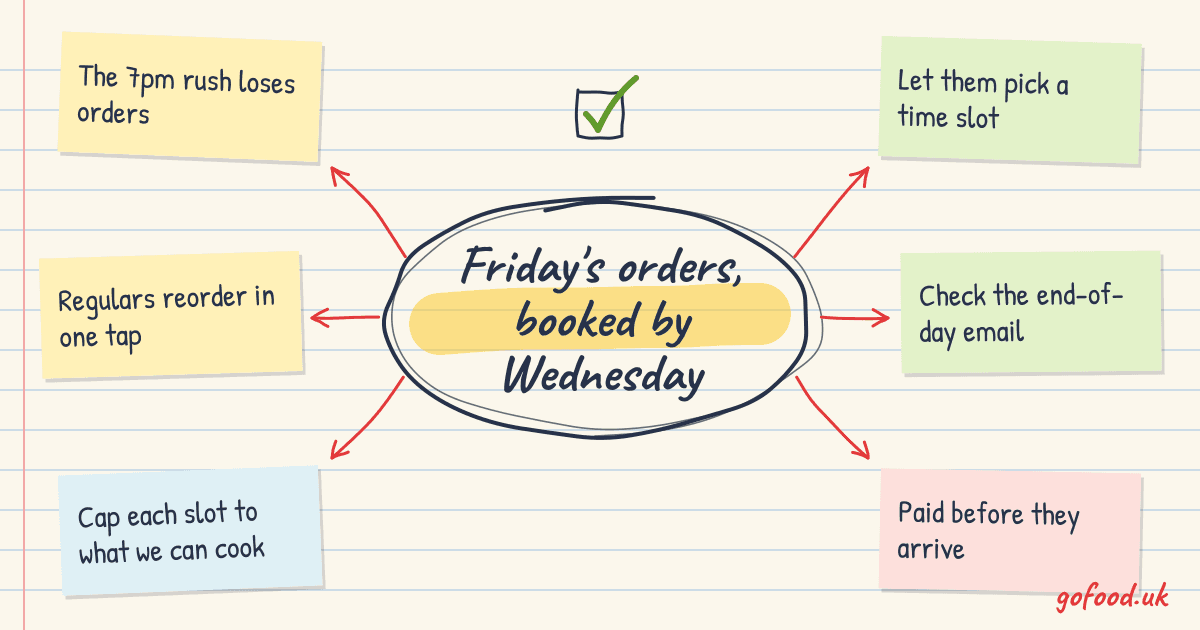
Get Friday's orders in by Wednesday: take pre-orders for your takeaway and stop losing the rush
Let customers book a time slot days ahead and pay when they order, with limits you set for each slot. Fewer orders lost on a Friday night, with worked sums inside.
7 views
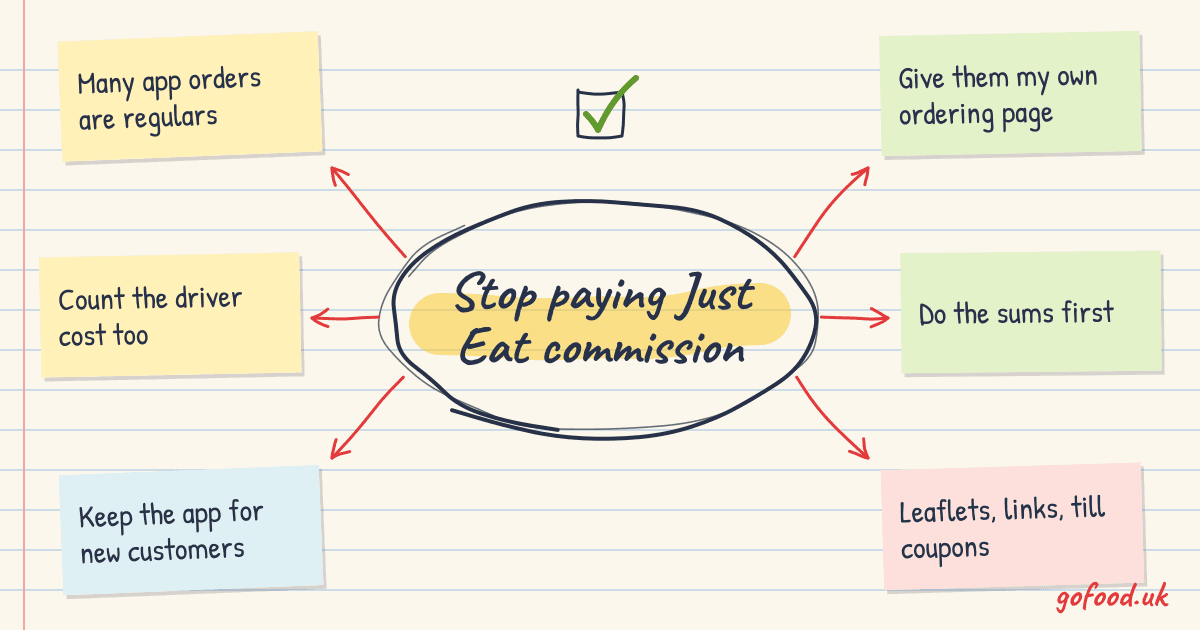
Stop paying Just Eat commission on your regulars: keep around £3,200 a year with your own ordering page
Your regulars don't need an app to find you. Move their orders to your own ordering page with £0 commission, paid straight into your account, and keep Just Eat for new customers. Worked sums inside.
7 views
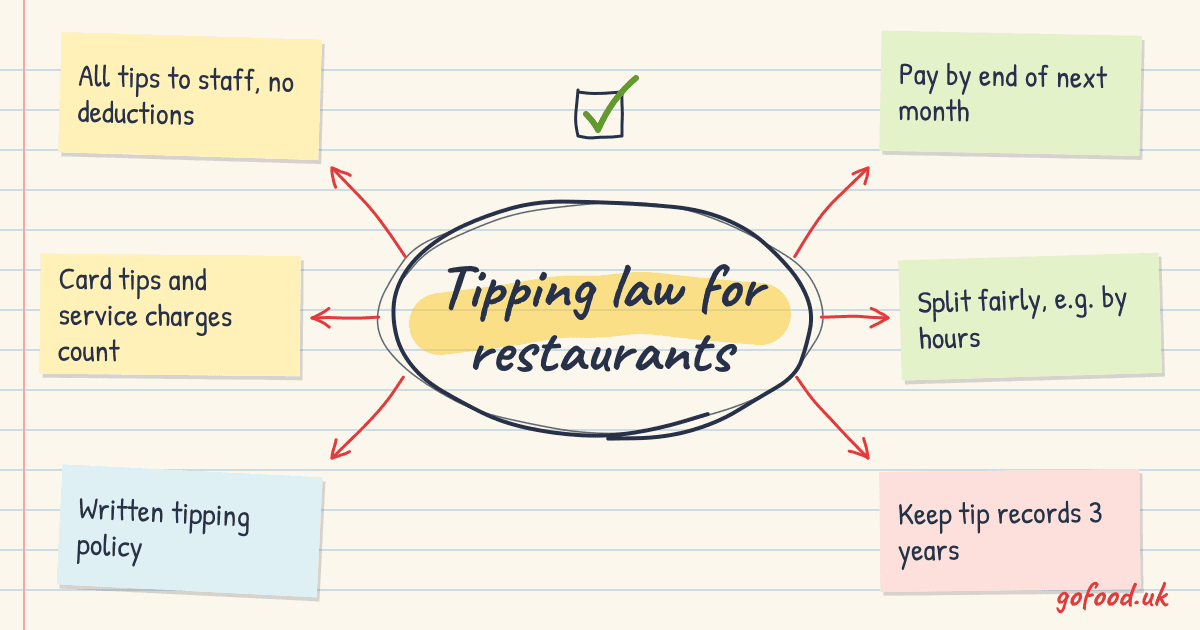
Tipping law for UK restaurants and takeaways: what the Allocation of Tips Act means for you
Since October 2024, tips and service charges you collect must go to staff in full, be shared fairly and be paid by the end of the following month. What that means for your restaurant or takeaway, with a worked split and a checklist.