
Take every order on your first Friday after GloriaFood: copy your menu with one key, then check the four things that matter
First Friday on your new system. A regular wants large chips with curry sauce, and there's no curry sauce to tick. She rings instead, at half six, when nobody can pick up.
When you copy your GloriaFood menu to Gofood, the copy takes minutes. The checks afterwards are what make that first Friday take every order. Here's what to look at, in the order we'd do it.
- Extras missing, so they ring instead
- Closed on the page while you're open
- Order from the next village turned away
- Every size and extra there to tick
- Hours and delivery zones set
- Test order printed before Friday
Your GloriaFood key brings the whole menu across
Paste the Fetch Menu key from your GloriaFood admin into Gofood and we copy the menu in for you (how to find the key). GloriaFood keeps taking orders the whole time. Nothing goes live on Gofood until you press Switch.
Sizes, extras and allergens are where the money is
Go through every dish with options. Large portions, extra sauce and add-ons are how a £15 order becomes £18, so make sure each one is there at the right price. Gofood lists anything from GloriaFood it wants you to look at. While you're there, tag the 14 UK allergens, plus vegan, halal and spicy, so cautious customers order instead of ringing to ask.
Say 20 Friday orders each add a £1.50 extra: that's £30 a night. It's an example, not a promise.
Set your hours and delivery zones before Friday
Add your opening hours, then draw your delivery zones on the map, by radius or postcode, each with its own fee and minimum order. Get this wrong and the page says you're shut at 6pm, or turns away the next village you've always delivered to.
Put one test order through the kitchen
Order something from your own page. Check it beeps, prints on your kitchen printer and reads right, with Chinese dish names on the ticket if your chefs want them. Then press Switch. Pro is free for your first 3 months from that day, as part of the GloriaFood switch offer.
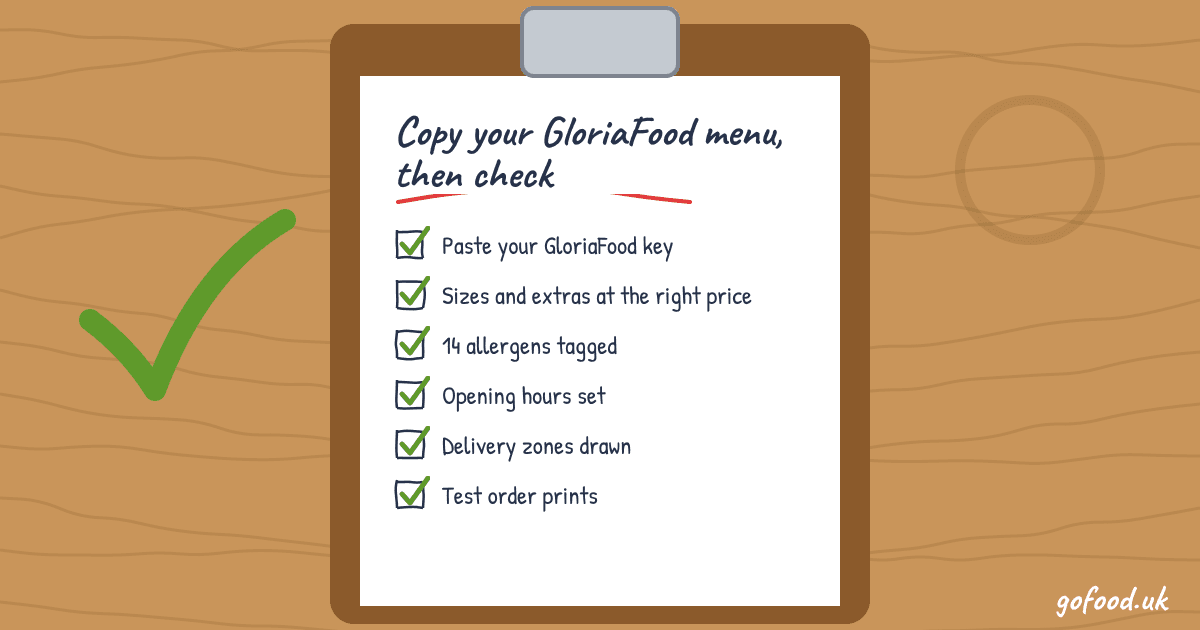
- 1Paste your GloriaFood key
- 2Check sizes, extras and allergens
- 3Set hours and delivery zones
- 4Test order prints in the kitchen
- 5Press Switch, keep taking orders
Rather we did the checks with you? Start your free trial and we'll go through the menu together, in English or Chinese.
Ready when you are.
Call, WhatsApp or write to us in English or Chinese. We’ll get your menu online and your first order printed.
More ways to grow your business
9 views
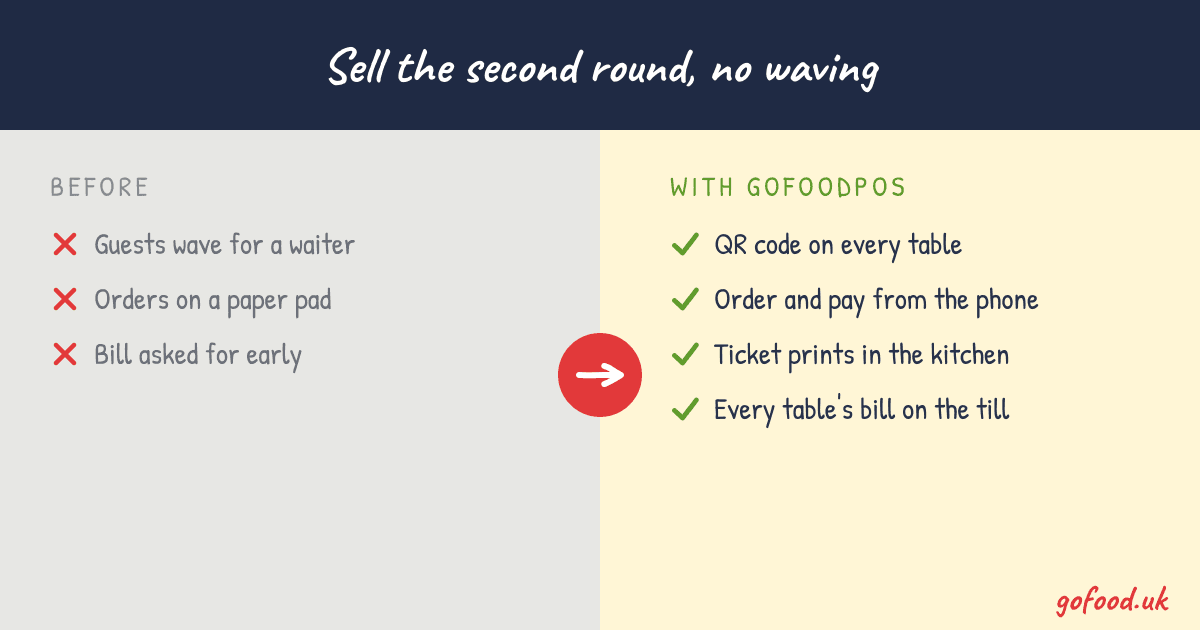
Sell the second round without a waiter: QR code table ordering for small restaurants and cafés
Guests scan the code on their table, order from their phone and the ticket goes straight to the kitchen. The extra drink or dessert gets ordered instead of forgotten.
12 views
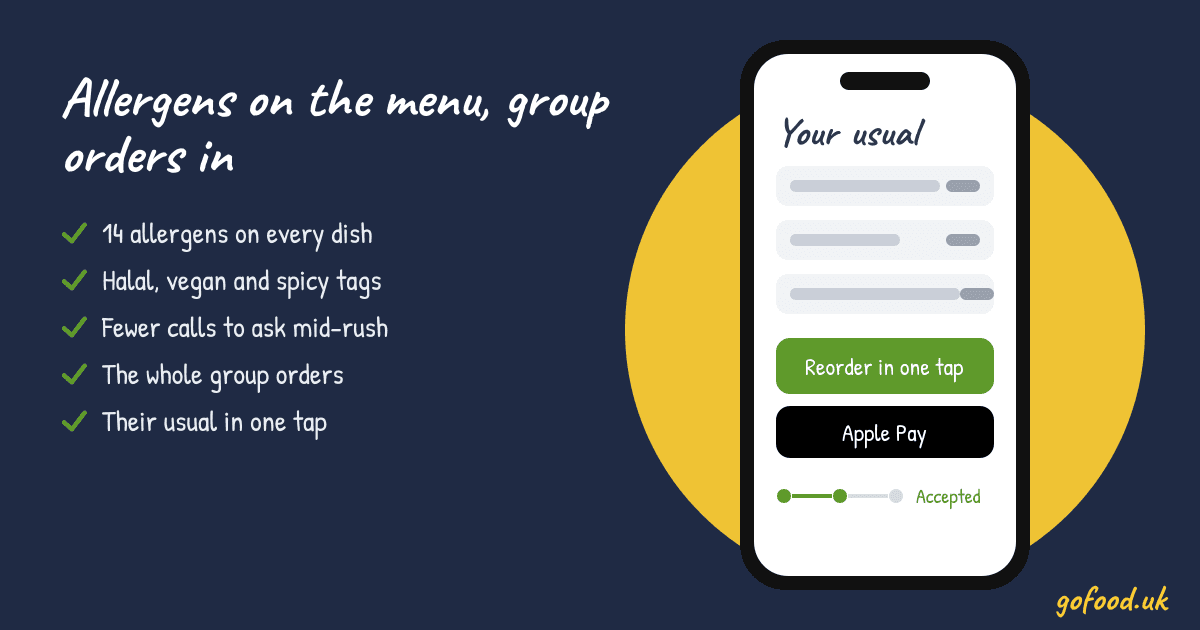
Win the group order when one of them has an allergy: show allergens on your takeaway menu, dish by dish
When one friend has a nut allergy, the whole group orders from the place with a clear menu. Tag every dish with allergens, halal, vegan and spicy, and that order comes to you.
16 views
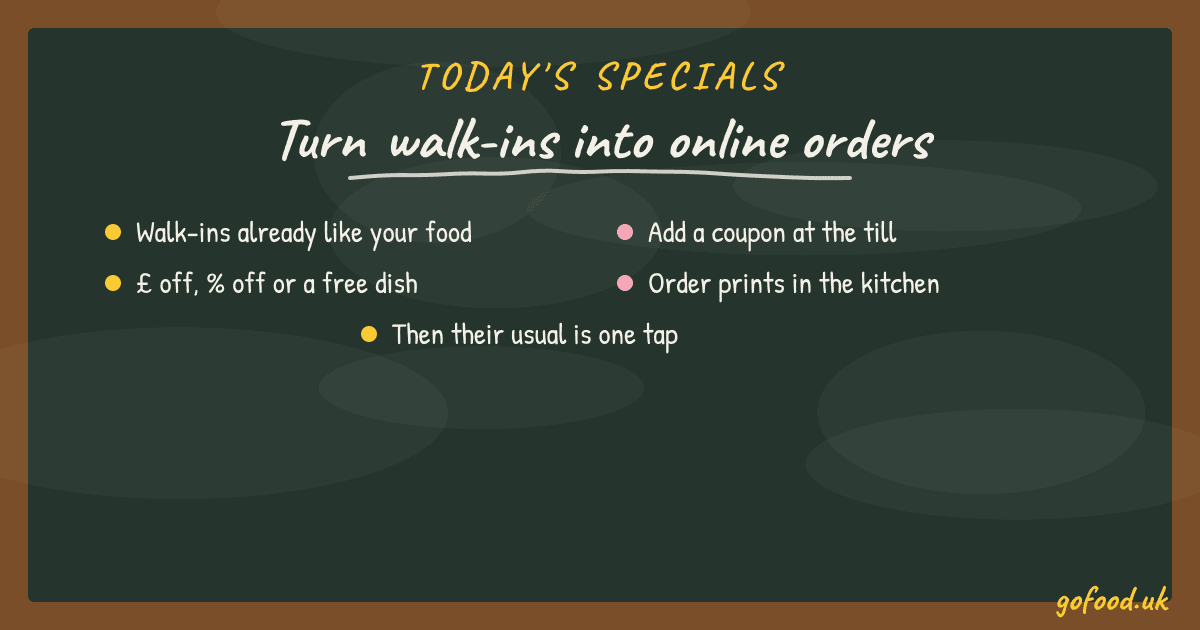
Today's walk-in, next week's online order: get walk-in customers to order online from your own page
Your walk-ins already like your food. A coupon added at the till gives them a reason to order online from you next time, and after that their usual is one tap.