
Fill Saturday's tables while you're busy cooking: take table bookings online and let the system seat them
Every POS terminal in our shop comes with 6 months of GofoodPOS Pro, free for new customers. See the tills →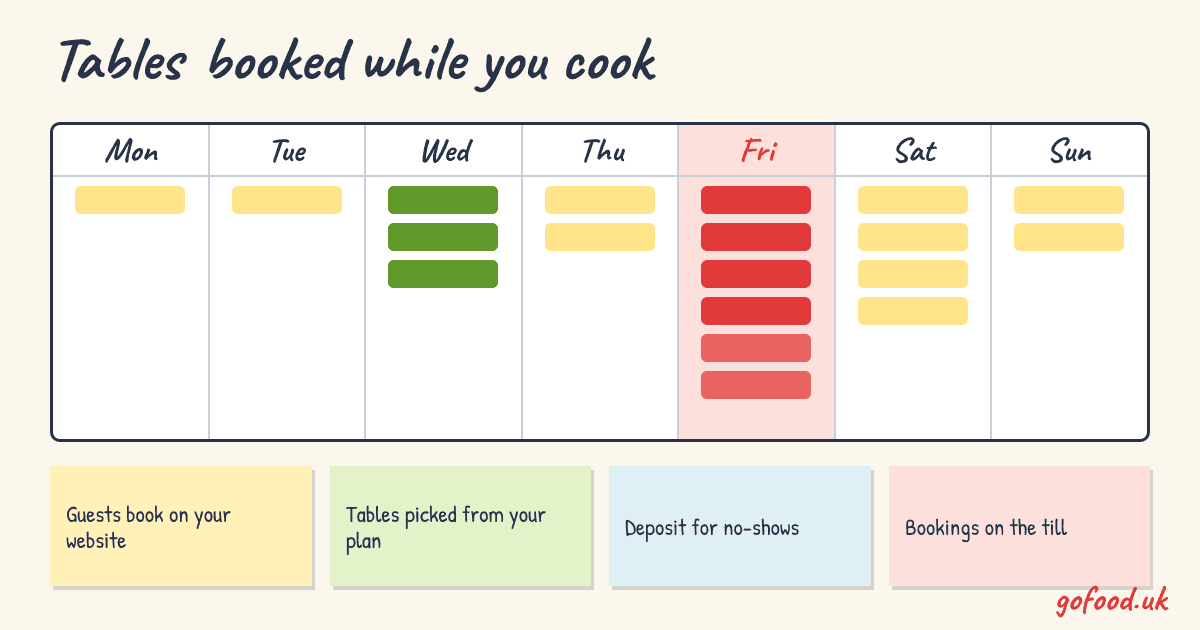
Saturday, 7.40pm. The phone rings for a booking while you're plating up a table of six. Nobody picks up, so they book the place down the road.
When you take table bookings online from your own website, that call never needs answering.
- Phone rings out while you're plating up
- Booking scribbled in a book by the till
- Caller books somewhere else
- Guest picks a time on your website
- Table chosen from your table plan
- Confirmation email sent straight away
Take table bookings online at 11pm, with the table already picked
A Reserve Table button sits on your website. Guests choose the date, time, party size and highchairs, and a table is assigned from your table plan. If it fits, it's confirmed straight away (see how table bookings work).
The party of eight gets seated without a puzzle
Mark which tables can be pushed together, and bigger parties get them. Tables that can't be joined are used first, so the big ones stay free. Larger parties wait for your OK.
- 1Guest taps Reserve Table on your site
- 2Picks date, time and party size
- 3A table is assigned from your plan
- 4Reminder email the day before
A deposit keeps Saturday's no-shows from costing you
Switch on a deposit or a saved card, with your own cancellation rules. The deposit comes off the bill on the night. A reminder goes out the day before, and guests can cancel online up to your cut-off, so you can re-sell the table.
Say one table of four doesn't turn up each Saturday, at £25 a head. That's £100 of empty seats a week, or £5,200 a year, as an example.
£100of seats left empty (example)
- Table held all evening for a no-show
- Walk-ins turned away
- Guests cancel online if plans change
- Deposit comes off the bill on the night
Tonight's bookings, walk-ins and waitlist on the till
The GofoodPOS till shows the day's bookings next to your table plan. Add walk-ins, keep a waitlist and send a text or email when their table's ready. Once they're seated, QR code table ordering keeps the drinks coming.
It suits a restaurant or a tea room. Table bookings is an add-on, with the price on our pricing page. If you only do takeaway, you won't need it.
Want Saturday booked before you've lit the hob? Start a free trial and we'll set up your table plan with you.
Ready when you are.
Call, WhatsApp or write to us in English or Chinese. We’ll get your menu online and your first order printed.
Ordering food? Please contact the restaurant you ordered from. They make your food and can answer questions about your order, the menu or allergies. We make the ordering system restaurants use.
More ways to grow your business
11 views
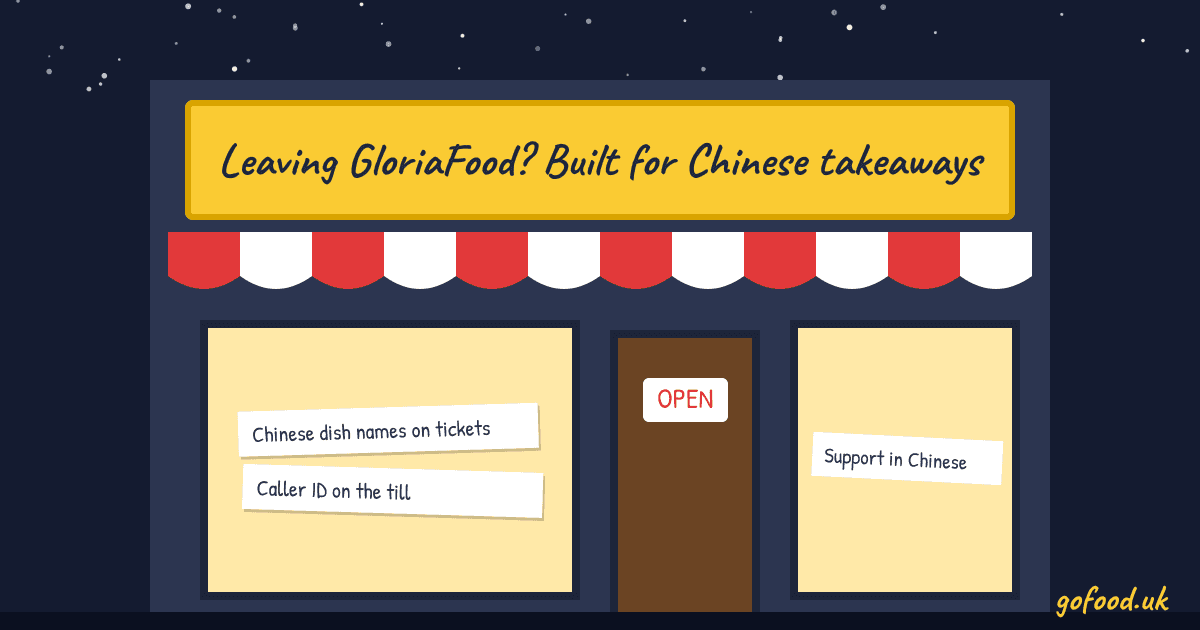
Leaving GloriaFood? Get Chinese kitchen tickets, caller ID and support in Chinese for your takeaway, with your menu copied across
A GloriaFood alternative for Chinese takeaways: dish names in Chinese on every kitchen ticket, the regular's details on the till as the phone rings, and your menu copied across with your GloriaFood key.
12 views
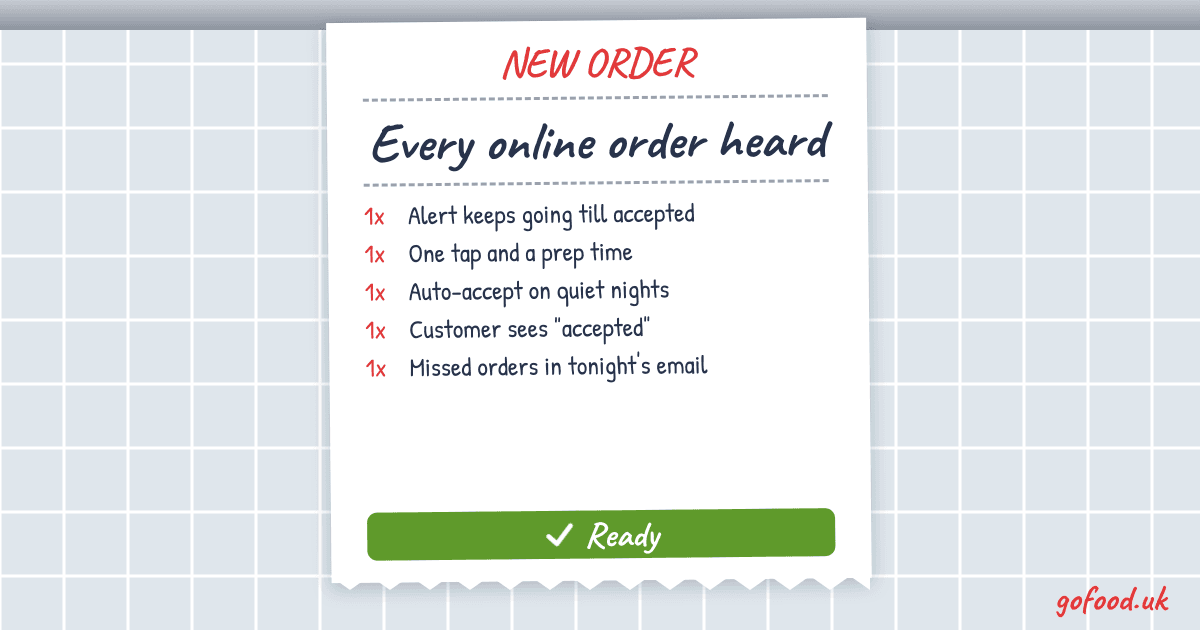
Every online order heard, even mid-rush: accept online orders in one tap and keep the customer
A loud alert that keeps going until someone accepts, one-tap accept with a prep time or auto-accept, and the customer sees "accepted" straight away. Fewer orders lost to a beep nobody heard.
13 views
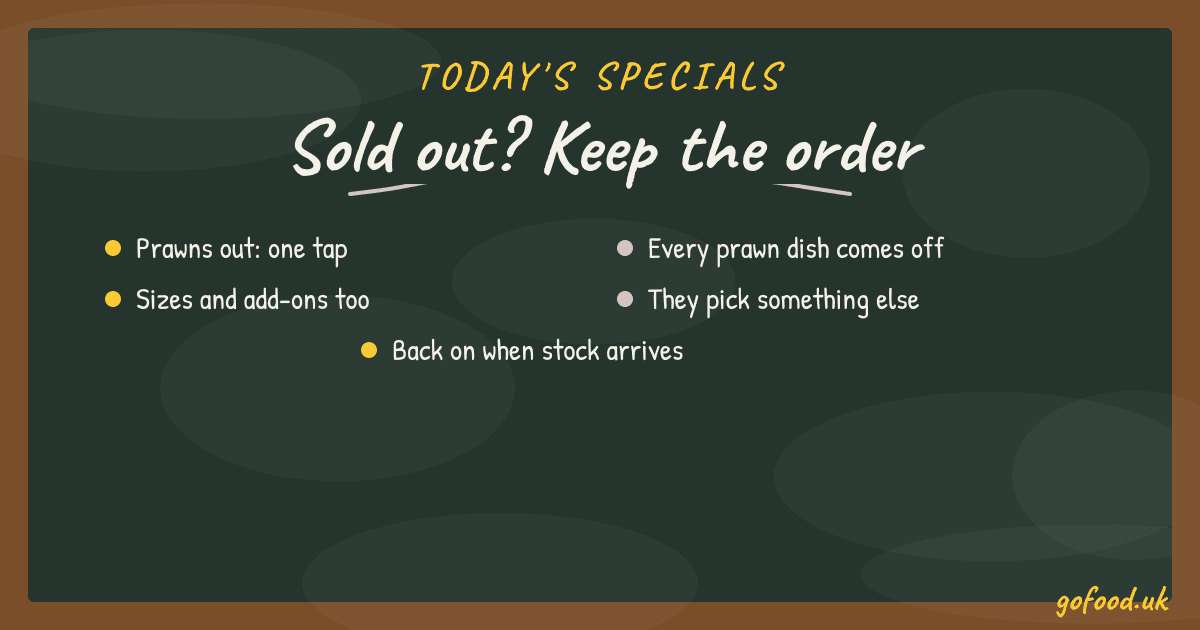
Keep the order when the prawns run out: mark dishes sold out on your online menu in one tap
When an ingredient runs out mid-rush, one tap takes every dish that uses it off your online menu. Customers pick something else and still order, instead of paying for a dish you have to refund.