
Every online order heard, even mid-rush: accept online orders in one tap and keep the customer
Friday, 6.40pm. Phone ringing, fryer going, bags all over the counter. Somewhere under them, a new online order is waiting, and the customer is wondering if anyone's there.
Accept online orders the moment they land and that customer stays yours. GofoodPOS makes sure someone notices.
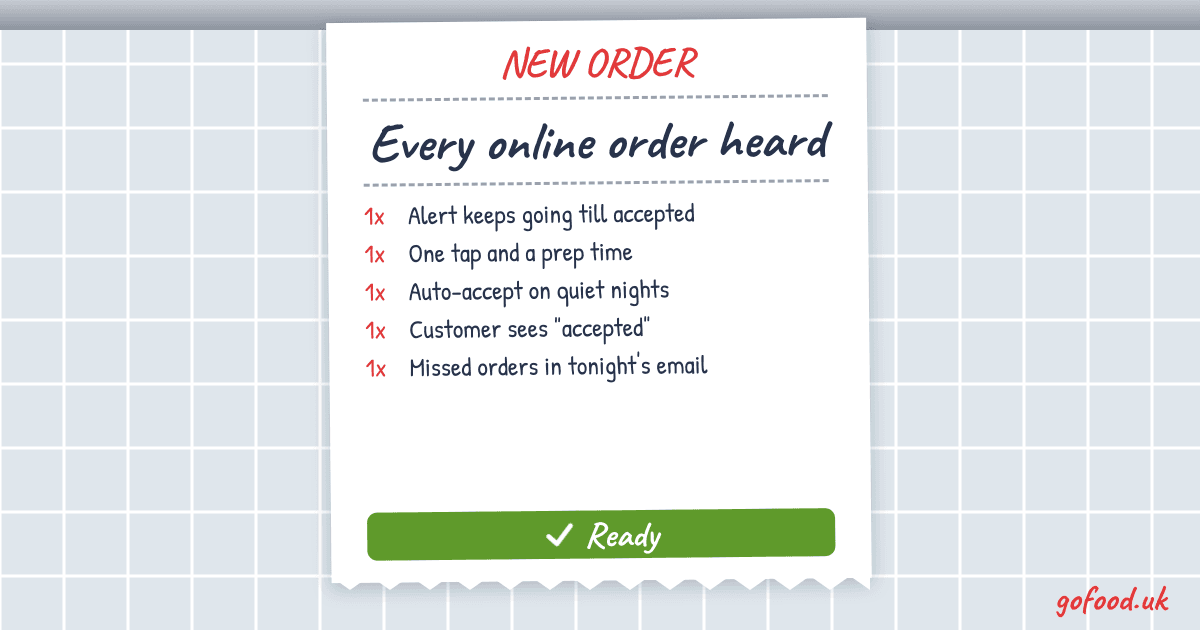
Every online order gets heard
The alert keeps sounding until someone accepts. One tap, a prep time, and the customer sees their order is accepted.
- Alert until accepted
- One-tap accept
- Customer sees it live
The alert keeps going until someone taps accept
A new online order sounds a loud alert, and it doesn't stop after one beep. It keeps going until someone accepts it (see orders and kitchen). Hard to miss, even with the wok roaring in a Chinese takeaway kitchen.
One tap and a prep time, or let auto-accept do it
Tap accept, pick a prep time, done. Tickets print to your kitchen printer, with Chinese dish names if your chefs want them; our kitchen printers start from £129 ex VAT. Short-staffed on a Tuesday? Switch on auto-accept. On a packed Friday you may prefer to set each prep time yourself.
The customer sees "accepted" and stays put
Their order page moves from sent to accepted as soon as you tap. They know it's coming, so there's less reason to ring and check, or to give up and order elsewhere. Say two orders a week used to go elsewhere while nobody answered, at £24 each. That's £48 a week, or £2,496 a year, as an example.
- One beep, lost under the extractor
- Customer waits, then orders elsewhere
£2,496a year from 2 kept £24 orders a week
- Alert keeps sounding until accepted
- Customer sees "accepted" straight away
Anything that slips through is in tonight's email
If an order does get missed, it's listed in your end-of-day email. You'll see which nights need another pair of hands. And if the kitchen's simply full, busy mode adds prep time instead of switching ordering off.
- 1New order: the alert keeps sounding
- 2One tap: accept and pick a prep time
- 3Ticket prints for the kitchen
- 4Customer sees it's accepted
Want every online order heard? Start a free trial and we'll set up the alerts and auto-accept with you, in English or Chinese.
Ready when you are.
Call, WhatsApp or write to us in English or Chinese. We’ll get your menu online and your first order printed.
More ways to grow your business
12 views
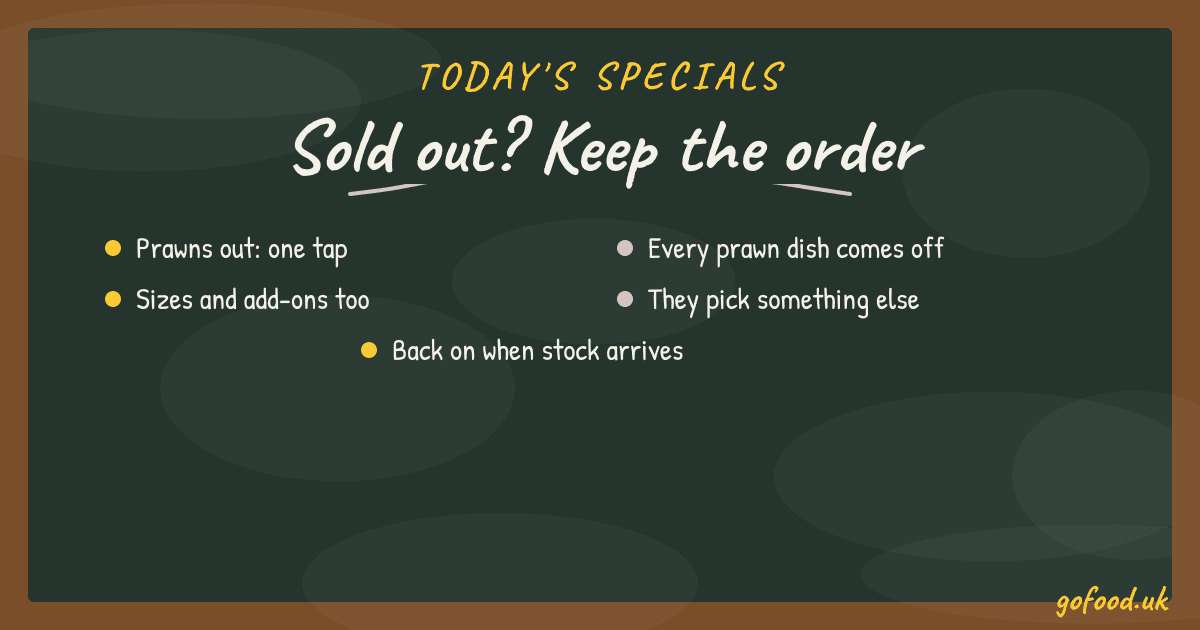
Keep the order when the prawns run out: mark dishes sold out on your online menu in one tap
When an ingredient runs out mid-rush, one tap takes every dish that uses it off your online menu. Customers pick something else and still order, instead of paying for a dish you have to refund.
12 views
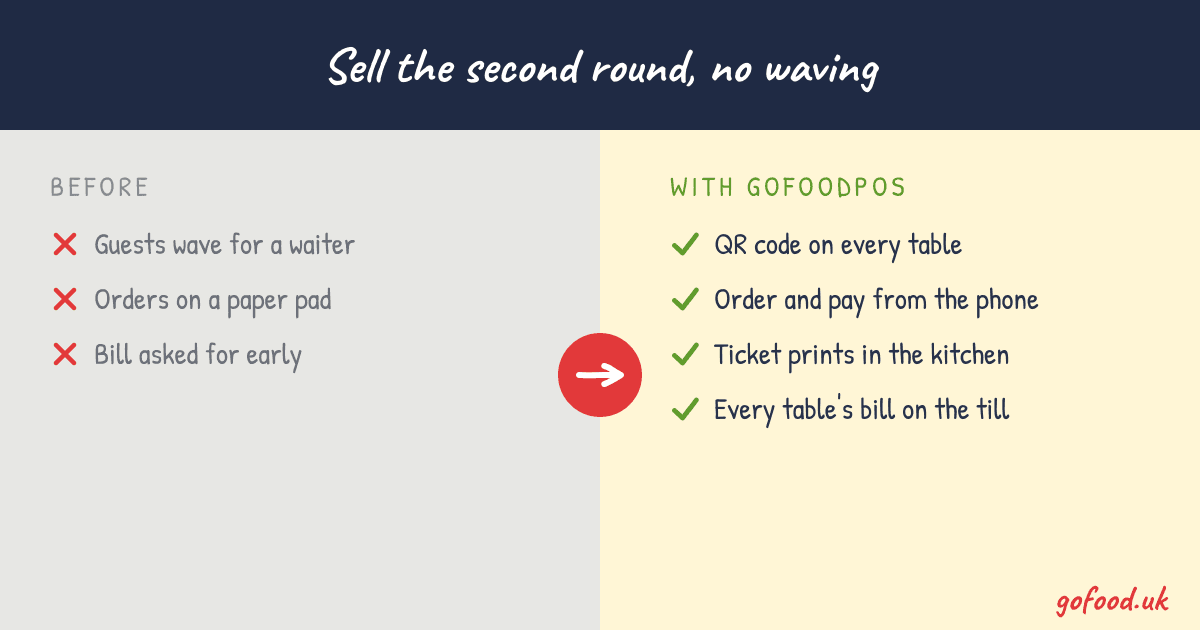
Sell the second round without a waiter: QR code table ordering for small restaurants and cafés
Guests scan the code on their table, order from their phone and the ticket goes straight to the kitchen. The extra drink or dessert gets ordered instead of forgotten.
15 views
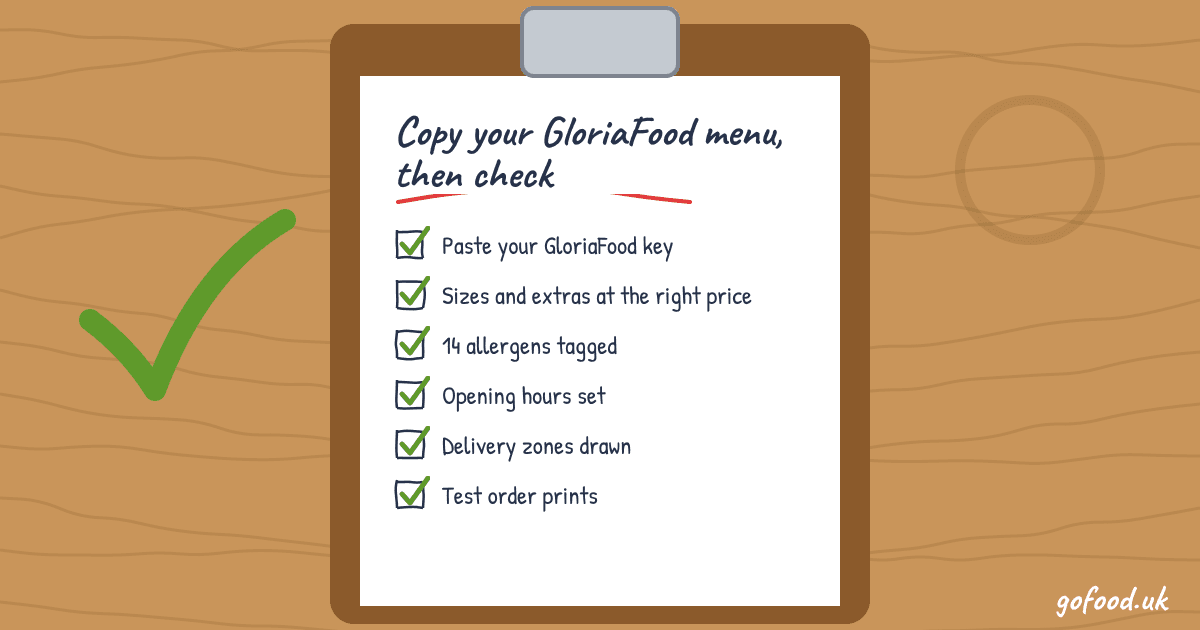
Take every order on your first Friday after GloriaFood: copy your menu with one key, then check the four things that matter
Your GloriaFood key brings the whole menu into Gofood in minutes. Check sizes, extras and allergens, set your hours and delivery zones, and put one test order through the kitchen before you press Switch.