
Paid in two taps, not sixteen digits: Apple Pay for your takeaway website so more baskets finish as orders
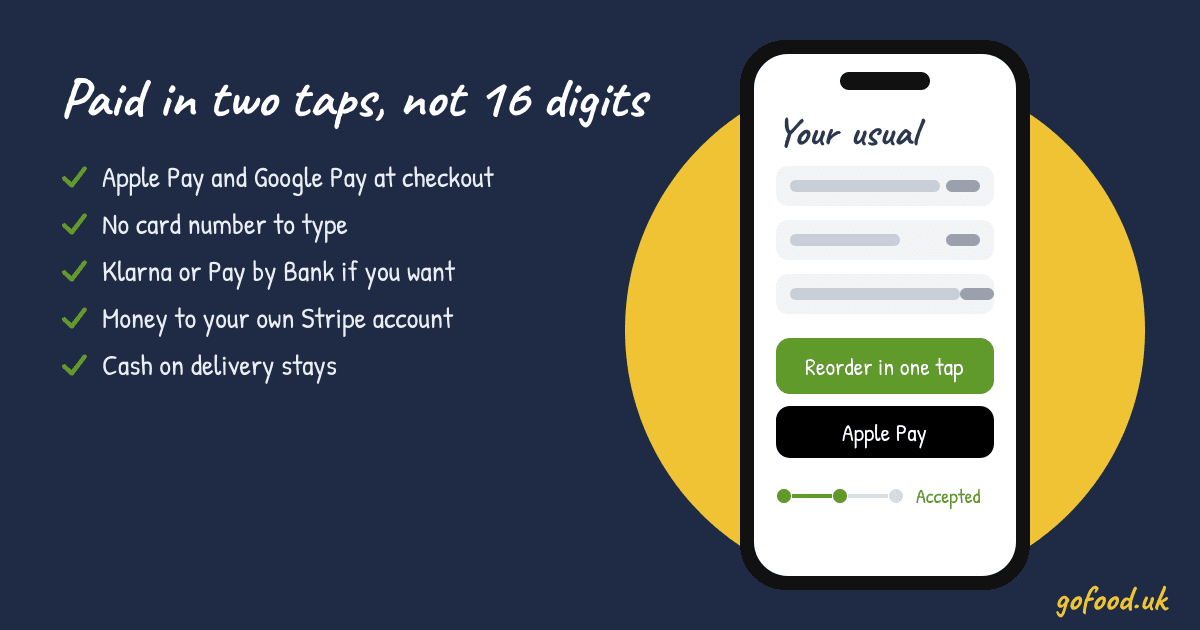
Friday, 6.40pm. Basket's full, £27 of food. Then the checkout asks for a 16-digit card number, and the card's in a coat in the hall. They close the tab.
Apple Pay for your takeaway website takes that moment away. Nearly two in three people in the UK are registered for a mobile wallet (UK Finance, August 2026). They're used to paying with a double-click.
Paid in two taps, on your own website
Your GofoodPOS checkout takes card, Apple Pay and Google Pay. The customer doesn't type a card number, and the money goes to your own Stripe account.
- Apple Pay
- Google Pay
- Card
- Cash if you want it
Apple Pay and Google Pay sit next to card at your checkout
With GofoodPOS online payments, the customer picks their food, taps Apple Pay or Google Pay, and it's paid. No card number, no expiry date, no hunting for a wallet. We set it up with you.
Three more finished orders a week is £4,212 a year
The average UK takeaway order is £27 (Aqua survey). Say 3 customers a week who used to give up at the card form now pay. That's £81 a week, or £4,212 a year, as an example.
- 16 digits, expiry and the code on the back
- Card is in another room
- Tab closed, order gone
£4,212a year, 3 more orders a week (example)
- Apple Pay or Google Pay at checkout
- Paid with a double-click
- Order rings on your till
The big family order has more ways to pay
You can also switch on Klarna, Clearpay, Revolut Pay and Pay by Bank. Which ones is up to you. Cash on delivery or collection stays too. If half your customers pay cash at the door, leave it on.
The money lands in your own Stripe account
Paid orders go straight to your own Stripe account. If something's wrong with an order, you refund all or part of it from your dashboard.
- 1Customer taps Apple Pay
- 2Money goes to your Stripe account
- 3Order rings until you accept it
- 4Ticket prints in the kitchen
Regulars skip the address as well
With a customer account on your own ordering page, their address is saved and last week's order comes back in one tap. We wrote about that in getting repeat customers.
Running a Chinese takeaway? We'll set your payments up with you in English or Chinese.
Want tonight's baskets to finish as orders? Start a free trial and we'll get your checkout ready with you.
Ready when you are.
Call, WhatsApp or write to us in English or Chinese. We’ll get your menu online and your first order printed.
More ways to grow your business
7 views
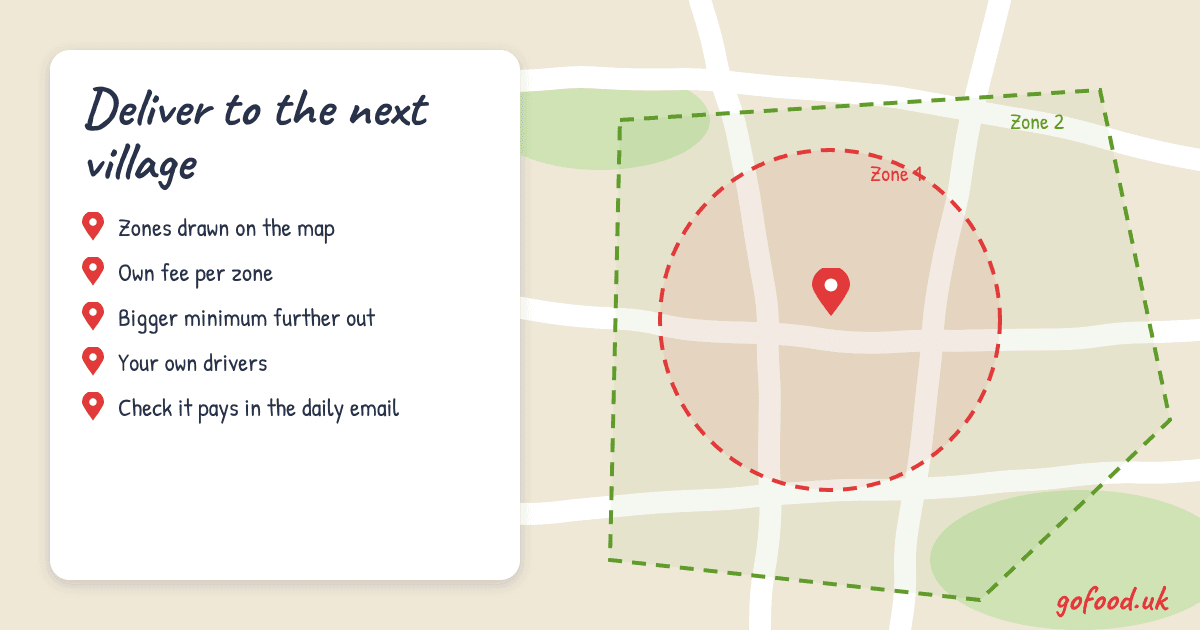
Say yes to the next village: expand your takeaway delivery area with zones that each set their own fee and minimum
Draw delivery zones on the map, give the far ones a higher fee and minimum, and send your own drivers. New areas bring new orders without losing money on the trip.
2 views
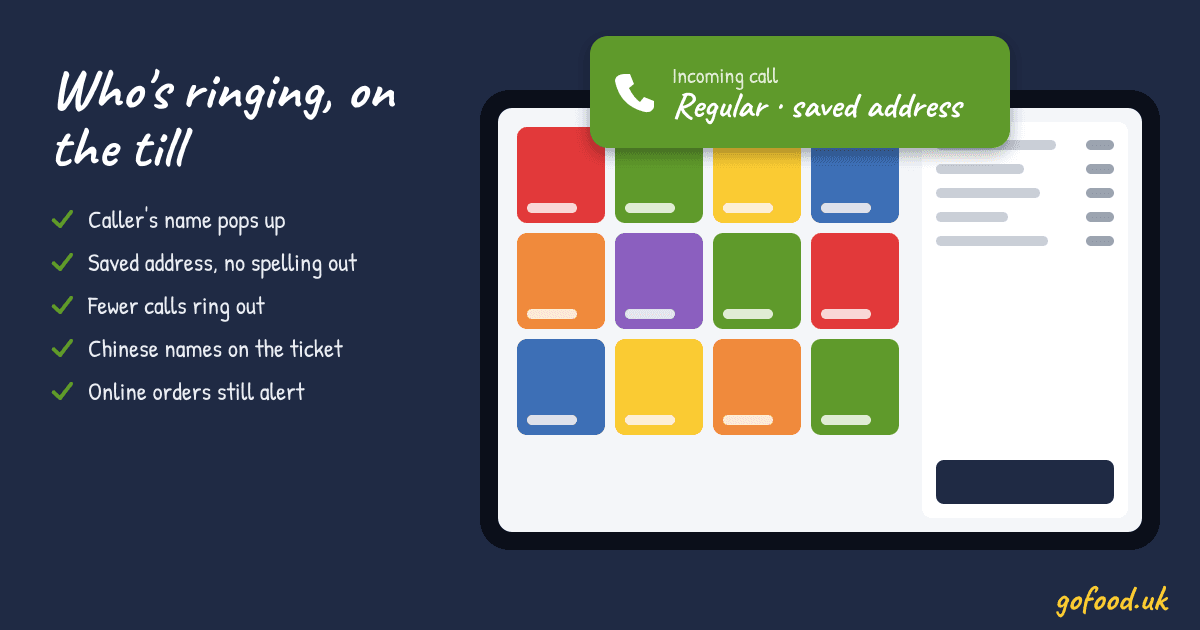
Their usual, on the till before they've said hello: caller ID for your takeaway and more phone orders answered on a Friday
Caller ID puts a regular's name and saved addresses on the till as the phone rings, so calls are shorter and fewer ring out in the rush. Worked sums inside.
8 views
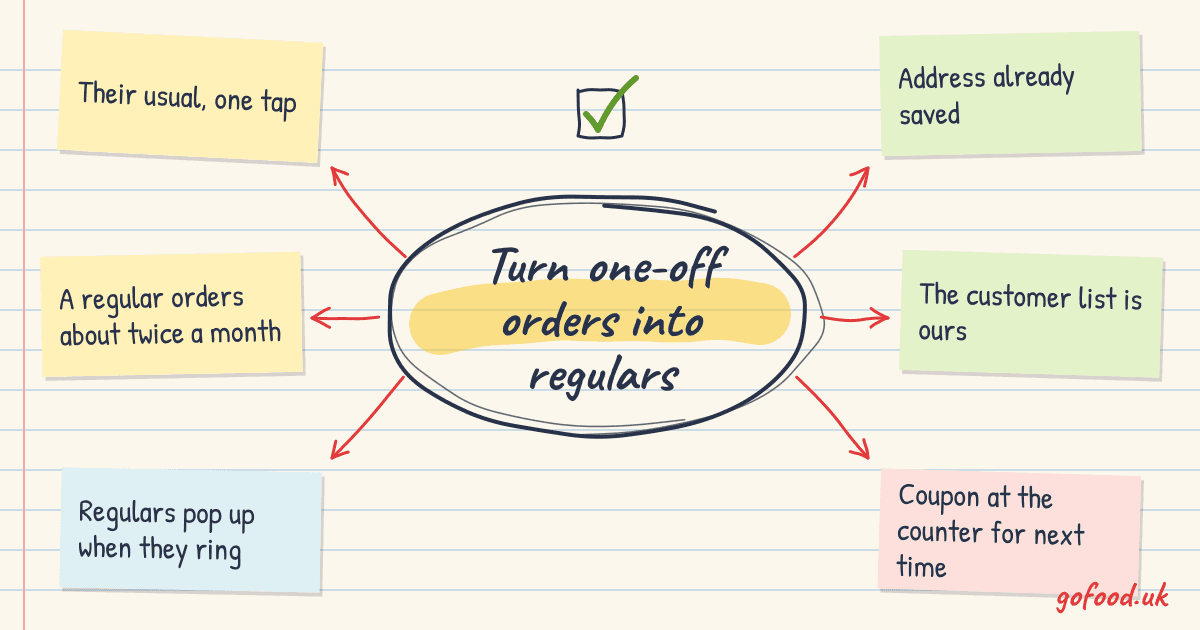
Their usual, one tap, every Friday: get repeat customers for your takeaway and keep them ordering from you
Saved addresses, one-tap reorder, phone regulars on the till as they ring and coupons at the counter turn one-off customers into regulars. Worked sums inside.