
Get Friday's orders in by Wednesday: take pre-orders for your takeaway and stop losing the rush
Friday at 7pm, your kitchen can only cook so fast. The phone rings out while you're bagging up, the queue reaches the door, and somebody who wanted your food gives up and orders from the place down the road. They wanted your food. Everyone just wanted it at the same moment.
When you take pre-orders for your takeaway, some of those customers order on Wednesday or Thursday for a time they pick, and you can see Friday filling up before you've even turned the fryer on. Here's how that works with GofoodPOS, and what it can add up to.
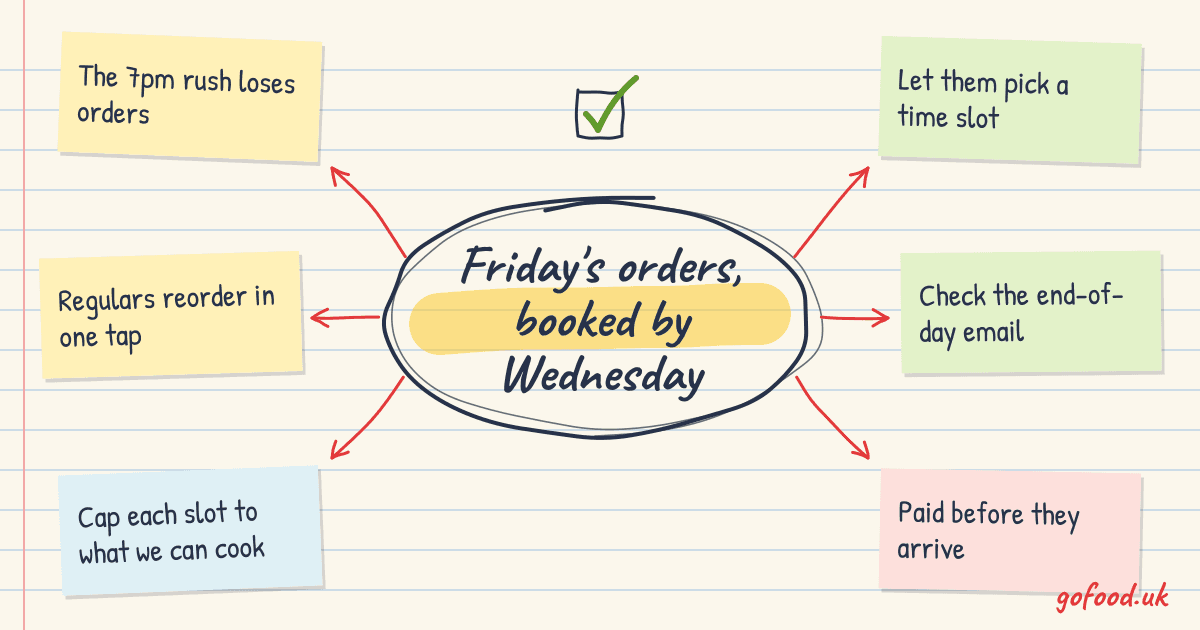
Friday's orders, booked in by Wednesday
Customers pick a day and a time on your own ordering page. You set how many orders each time slot can take.
- Order for later
- Slot limits you set
- £0 commission
The short answer
To take pre-orders for a takeaway, give customers an ordering page where they can choose a time later today or a future date, and cap how many orders each slot can take. With GofoodPOS that's built into your own online ordering: customers book and pay ahead, the order lands on your till, and there's £0 commission on it.
Where Friday's orders go missing
Takeaway demand bunches up. Whito's research on UK takeaway search says demand peaks on Friday and Saturday evenings, and the gap between searching and ordering is usually under 30 minutes (Whito, 2026). So when they're hungry, they want it now. You know this already. What's harder to see is the orders you never got: the call that rang out, the customer who looked at a 70-minute wait and closed the app, the family who decided at 5pm what they wanted and found nobody to take the order until you opened.
Pre-orders catch those people earlier. Someone planning a Friday night in can sort it on Wednesday, while they're thinking about it. They pick 6.15pm, they pay, and they're done.
The money case: a worked example
This is an example to show the sums, not a promise. Your numbers will be different.
Say your Friday peak is full from 6.30pm to 8pm, and you reckon you lose about 6 orders a night to rung-out calls and long waits. Your average order is £22.
| Without pre-orders | With pre-orders (example) | |
|---|---|---|
| Friday orders lost to the rush | about 6 | fewer, if some book earlier slots |
| Extra orders kept each Friday | 0 | 6 |
| Extra takings a week (6 × £22) | £0 | £132 |
| Extra takings a year (× 52) | £0 | about £6,860 |
Run the same sums for Saturday and it roughly doubles. If you only win back 3 orders a week, that's still about £3,430 a year from orders that were walking out the door.
There's a second gain that's harder to put a number on. Orders booked for 5.30pm or 8.30pm fill the quieter edges of the evening, so the kitchen's busy for longer instead of drowning for one hour.
6orders lost a Friday (example)
- Phone rings out during the rush
- Long waits put people off
- Quiet at 5.30pm, swamped at 7pm
£132a week kept (example)
- Customers book a slot days ahead
- Each slot takes only what you can cook
- Early and late slots fill up too
How GofoodPOS takes pre-orders for you
Customers pick a time today or a future date
On your ordering page, customers choose ASAP or a later time, today or another day. You set the slot limits, so 7pm can't take more orders than your kitchen can cook. When 7pm is full, they pick another time instead of being promised a wait you can't keep. This is part of ordering from your own website, and we set the slots up with you.
- 1Customer opens your page on Wednesday
- 2Picks Friday, 6.15pm
- 3Pays with card or Apple Pay
- 4Order arrives on your till
- 5Cooked and ready for 6.15pm
Every order arrives on the till, and nothing sits unseen
Online orders come in live with a loud alert until someone accepts them, then print in the kitchen. You can lay out the ticket and add Chinese dish names for the kitchen, which helps a Chinese takeaway on a busy night. If you get slammed, busy mode adds prep time instead of switching ordering off. See how orders reach the kitchen.
- Orders written on a pad mid-rush
- Ordering switched off when it's busy
- Kitchen asks what the ticket says
- Loud alert until someone accepts it
- Busy mode adds prep time, still open
- Tickets print with Chinese dish names
They've paid before they arrive
Customers pay when they book, by card, Apple Pay or Google Pay, and you can switch on options like Klarna or Pay by Bank. The money goes straight into your own Stripe account. A booked, paid order is one you can plan your prep around. You can still allow cash on collection if your regulars prefer it. More on taking payments online.
- Phone order, paid at the counter later
- Card details read out over the phone
- Paid by card or Apple Pay when they book
- Money goes into your own Stripe account
- Cash on collection if you want it
Regulars make it their Friday habit
With a customer account, a regular's address and past orders are saved, so ordering the usual takes one tap. That makes pre-ordering easy to repeat week after week. And because it's your own page, that customer list is yours, not an app's. If you're moving regulars off the apps, our post on keeping more of each order from your regulars has the sums.
- Same order read out every week
- Address spelled out every time
- Saved address and order history
- Their usual, reordered in one tap
See whether it's working before you lock up
Minutes after you close, you get an end-of-day email with sales, orders and average order against the same day last week, plus your top dishes and any missed orders. After a few Fridays you'll know whether pre-orders are adding orders or just moving them around. That's in reports and daily insights.
- Guessing from the till roll
- No idea how many orders you missed
- Email minutes after you close
- Orders vs the same day last week
- Missed orders listed, not guessed
Want to see pre-orders working with your own menu? Start a free trial and we'll set it up with you.
Questions owners ask
Will customers actually order days ahead?
Not all of them, and that's fine. Plenty will still order at 7pm on the night. Pre-orders suit the people who plan: families, office orders, someone sorting a party. Every one of those you catch early is one fewer order lost to the rush.
What if I get more pre-orders than I can cook?
You can't, if the slots are set right. Each slot takes only the number of orders you allow, and when it's full, customers pick another time. You can change the limits whenever you like, and pause ordering at any time.
Do I need new hardware?
Usually not much. Orders arrive on the GofoodPOS till and print to a network kitchen printer. If you need one, our kitchen printers run from £129 to £219 ex VAT. If you're weighing a screen against paper, we compared a kitchen screen with a kitchen printer.
Is it only for Chinese takeaways?
No. It works the same for a chip shop with a Friday queue, a pizza place or a curry house. Any takeaway with a peak it can't always keep up with gets the most from it.
In short
- Your Friday peak loses orders because everyone wants food at the same time.
- Pre-orders let customers book a slot days ahead, with limits you set per slot.
- With GofoodPOS they pay when they book, the money goes into your own Stripe account, and there's £0 commission.
- In our example, 6 extra Friday orders at £22 is about £6,860 a year.
If you'd like Friday filling up by Wednesday, start your free trial, or ask us anything in English or Chinese.
Ready when you are.
Call, WhatsApp or write to us in English or Chinese. We’ll get your menu online and your first order printed.
More ways to grow your business
5 views
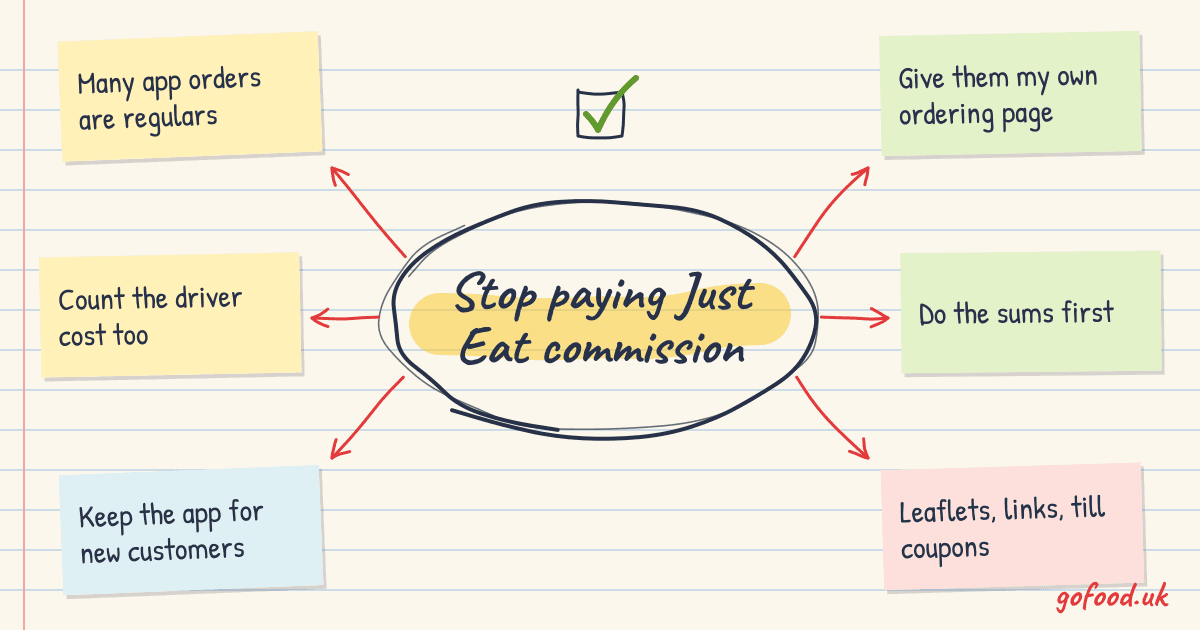
Stop paying Just Eat commission on your regulars: keep around £3,200 a year with your own ordering page
Your regulars don't need an app to find you. Move their orders to your own ordering page with £0 commission, paid straight into your account, and keep Just Eat for new customers. Worked sums inside.
6 views
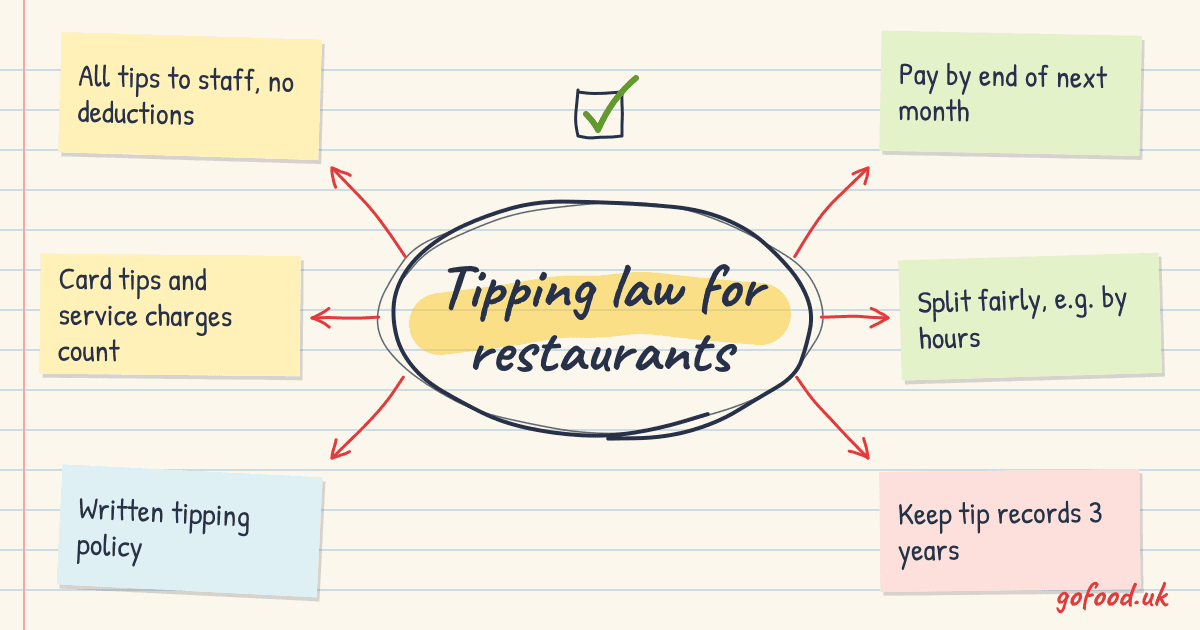
Tipping law for UK restaurants and takeaways: what the Allocation of Tips Act means for you
Since October 2024, tips and service charges you collect must go to staff in full, be shared fairly and be paid by the end of the following month. What that means for your restaurant or takeaway, with a worked split and a checklist.
3 views
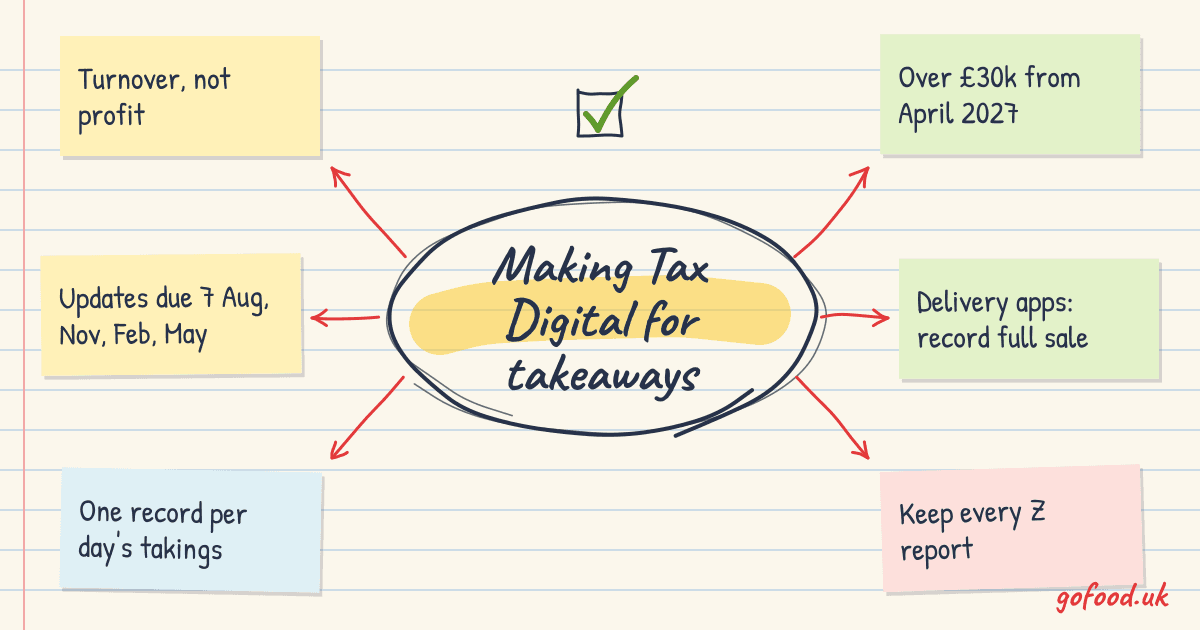
Making Tax Digital for takeaways: what UK sole traders need to do
Making Tax Digital for Income Tax now covers sole traders over £50,000 and drops to £30,000 in April 2027. What a takeaway or café has to do, the quarterly deadlines, and how your till's daily reports cut the work.